E-Commerce Growth Blueprint: From Store Launch to Repeat Customers
Many e-commerce founders think the hardest part is launching the store.
They choose the products. Build the website. Upload photos. Set up payments. Add shipping details. Announce the launch on Instagram.
Then they wait.
A few visitors come. A few people add products to cart. Some ask questions. But sales are slower than expected.
That is when the real lesson appears:
Launching an online store is not the same as growing an online store.
An e-commerce website is only the beginning. Growth comes from a complete system: traffic, trust, conversion, delivery experience, and repeat customers.
If one part is weak, the store struggles.
The E-Commerce Growth System
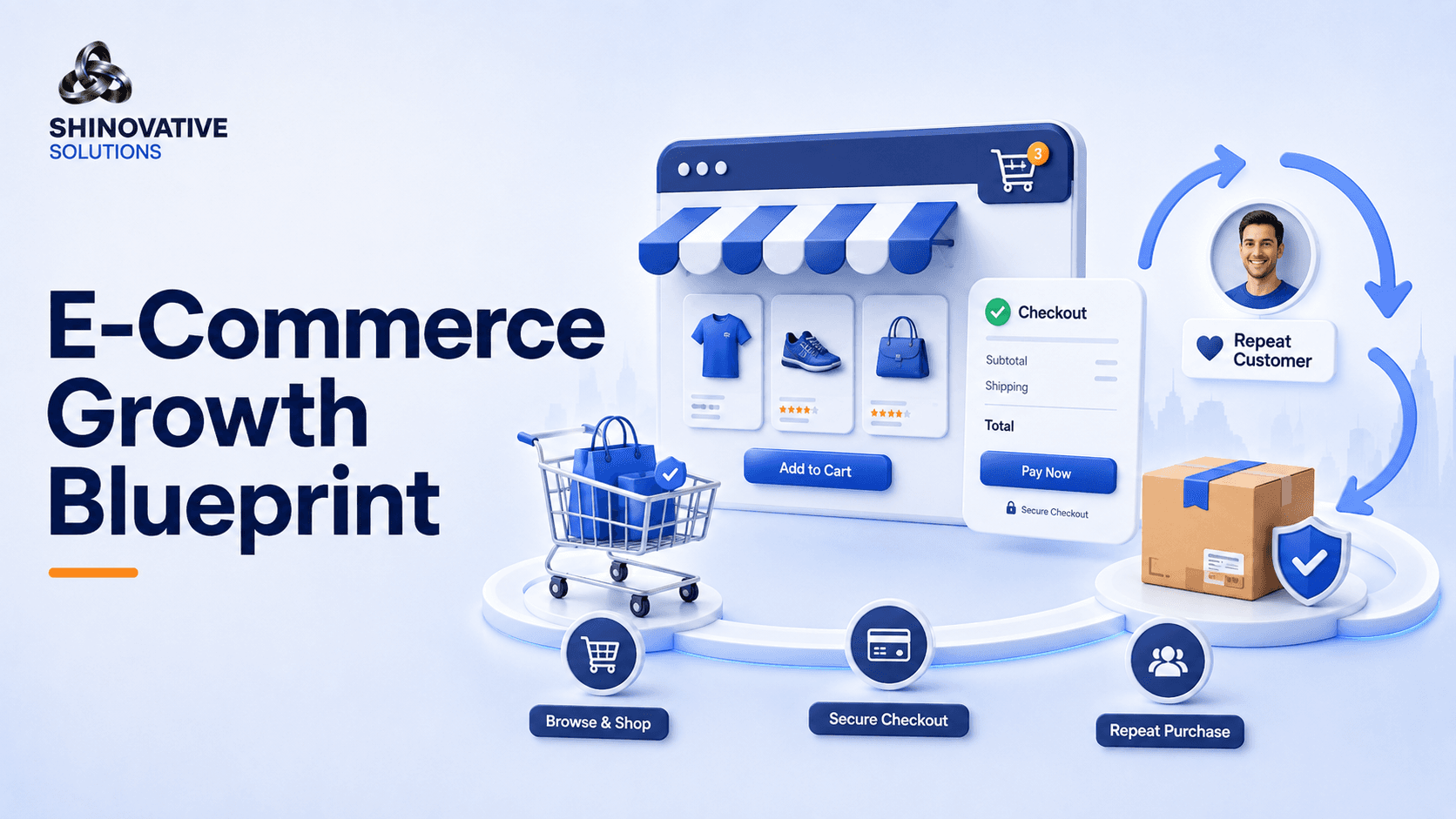
A healthy e-commerce business usually grows through five connected stages:
Product → Traffic → Trust → Checkout → Retention
Let’s understand each one.
1. Product: Make the Offer Easy to Understand
Before ads, SEO, or social media, the product itself needs clarity.
A visitor should quickly understand:
- What is the product?
- Who is it for?
- What problem does it solve?
- What makes it different?
- What is included?
- How much does it cost?
- Why should I buy from this store?
Many online stores lose customers because product pages are vague.
A product title like:
Premium Combo Pack
does not explain enough.
A better title could be:
Premium Skincare Combo for Daily Glow and Hydration
The second title tells the customer what the product does.
Your product page should not just list features. It should help the customer imagine the benefit.
2. Traffic: Bring the Right Visitors, Not Just More Visitors
Traffic means people visiting your store.
But not all traffic is valuable.
A thousand random visitors may bring fewer sales than one hundred visitors who are genuinely interested.
Traffic can come from:
- Google Search
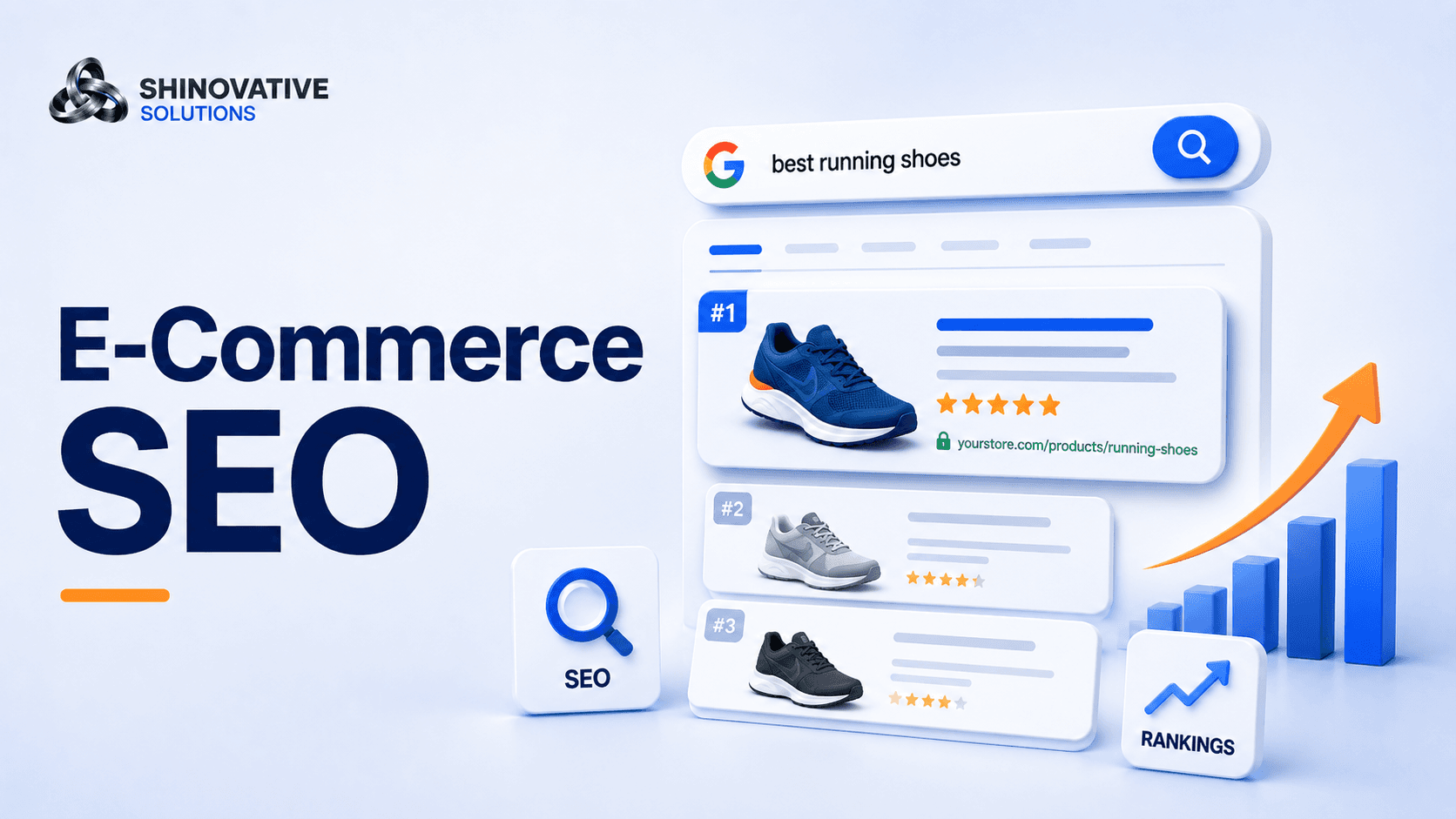
- E-commerce SEO
- Google Shopping
- Meta Ads
- Instagram content
- Influencers
- Email campaigns
- WhatsApp broadcasts
- Retargeting ads
- Marketplace listings
The right traffic depends on the product.
Example
A fashion or skincare brand may perform well with Instagram, reels, influencers, Meta Ads, and retargeting.
A furniture or electronics brand may need Google Search, product SEO, comparison content, and shopping ads.
A niche handmade product may need storytelling, social proof, and community-driven marketing.
Do not chase traffic blindly. Attract people who are likely to care.
3. Trust: Reduce the Customer’s Doubt
Buying online requires trust.
Customers ask silent questions:
- Is this store real?
- Will the product look like the photo?
- Is payment safe?
- What if I do not like it?
- How long will delivery take?
- Are there reviews?
- Can I contact someone?
Your website should answer these doubts before the customer leaves.
Trust signals include:
- Customer reviews
- Product photos
- Real usage images
- Clear return policy
- Secure payment options
- Delivery information
- Contact details
- WhatsApp support
- FAQs
- Brand story
- Social media links
Creative example
Imagine two stores selling the same handmade candle.
Store A has one image, a short description, and no reviews.
Store B has multiple images, scent notes, burn time, usage tips, packaging details, customer reviews, delivery estimate, and a short story about how the candle is made.
Which store feels easier to trust?
Store B.
Trust is often the difference between browsing and buying.
4. Checkout: Remove Friction From Buying
A customer adds a product to cart. That is a good sign.
But the sale is not complete yet.
Many customers leave during checkout because the process is too slow, confusing, or surprising.
Common checkout problems include:
- Too many steps
- Forced account creation
- Unexpected shipping charges
- Slow loading
- Limited payment options
- Coupon confusion
- No delivery estimate
- Weak mobile experience
A good checkout should feel simple and safe.
Customers should clearly see:
- Product summary
- Price
- Shipping cost
- Delivery estimate
- Payment options
- Return policy
- Contact support
The fewer doubts at checkout, the better the chance of conversion.
5. Retention: Bring Customers Back
The most successful e-commerce brands do not depend only on new customers.
They bring existing customers back.
Retention can include:
- Post-purchase emails
- WhatsApp updates
- Review requests
- Product care tips
- Refill reminders
- Loyalty offers
- Personalized recommendations
- Seasonal campaigns
- Abandoned cart recovery
For example, if someone buys skincare, you can send a reminder after a few weeks. If someone buys a gift item, you can send festive recommendations later. If someone buys clothing, you can recommend matching products.
A customer who already bought once is easier to reach than a completely new visitor.
Do not disappear after delivery.
The Product Page Checklist
Before sending traffic to a product page, check:
- Product title is clear
- Description explains benefits
- Photos are high quality
- Price is easy to see
- Size, color, or variants are clear
- Delivery information is shown
- Return policy is visible
- Reviews are included
- CTA button is clear
- Mobile layout works well
- FAQs answer common doubts
- Related products are suggested
A product page should work like a helpful salesperson.
It should explain, reassure, and guide the customer toward purchase.
The First 30 Days After Launch
If you recently launched an online store, use the first 30 days to learn.
Week 1: Fix the store foundation
- Check mobile experience
- Review product pages
- Test checkout
- Add trust signals
- Confirm payment and shipping flow
Week 2: Start traffic testing
- Post product content
- Run small Meta Ads test
- Improve product SEO
- Share customer education posts
- Test one offer
Week 3: Improve conversion
- Check where users drop off
- Improve product descriptions
- Add FAQs
- Add reviews or testimonials
- Simplify checkout
Week 4: Build retention
- Send follow-up messages
- Ask for reviews
- Create abandoned cart flow
- Plan repeat purchase offers
- Start email or WhatsApp list building
This gives your store a growth rhythm instead of only a launch moment.
Common E-Commerce Growth Mistakes
1. Spending on ads before fixing product pages
Ads cannot save a confusing product page.
2. Using only generic product descriptions
Customers need benefits, usage, details, and trust.
3. Ignoring mobile users
Most visitors may browse from phones. Mobile experience is critical.
4. Not collecting reviews
Reviews reduce doubt and increase confidence.
5. Forgetting repeat customers
Retention can improve profitability over time.
Final Takeaway
E-commerce growth is not one campaign or one viral post.
It is a system.
Your product must be clear. Your traffic must be relevant. Your website must build trust. Your checkout must be smooth. Your follow-up must bring customers back.
When these pieces work together, your online store becomes more than a product catalog.
It becomes a business that can grow steadily.
FAQs
What is an e-commerce growth strategy?
An e-commerce growth strategy is a plan to increase online store traffic, improve product page conversions, build trust, reduce checkout drop-offs, and bring customers back for repeat purchases.
How can I increase online store sales?
Improve product pages, attract the right traffic, add reviews, simplify checkout, run retargeting ads, and create follow-up campaigns for existing customers.
Are paid ads enough for e-commerce growth?
No. Paid ads can bring traffic, but your product pages, pricing, trust signals, checkout, and follow-up system decide whether visitors buy.
Why are customers adding to cart but not buying?
Common reasons include unexpected shipping costs, complicated checkout, lack of trust, slow website speed, limited payment options, or unclear return policy.
How can automation help e-commerce?
Automation can help with order confirmations, abandoned cart reminders, shipping updates, review requests, customer support, and repeat purchase campaigns.
Internal Link Suggestions
Link this blog to:
- E-Commerce Solutions page
- Website Development Services page
- Meta Ads Services page
- Google Ads Services page
- AI Automation Services page
- E-Commerce SEO blog
- Contact page
Suggested anchor text:
- e-commerce solutions
- e-commerce website development
- Meta Ads for online stores
- Google Ads for e-commerce
- e-commerce automation
- e-commerce SEO
- online store growth audit
Soft CTA
If your online store is live but sales are not growing consistently, the issue may not be only traffic. It may be product page clarity, trust signals, checkout flow, ads, SEO, or follow-up.
Shineovative Solutions can review your e-commerce store and help identify what needs to improve so your visitors have a better path from product discovery to purchase and repeat buying.