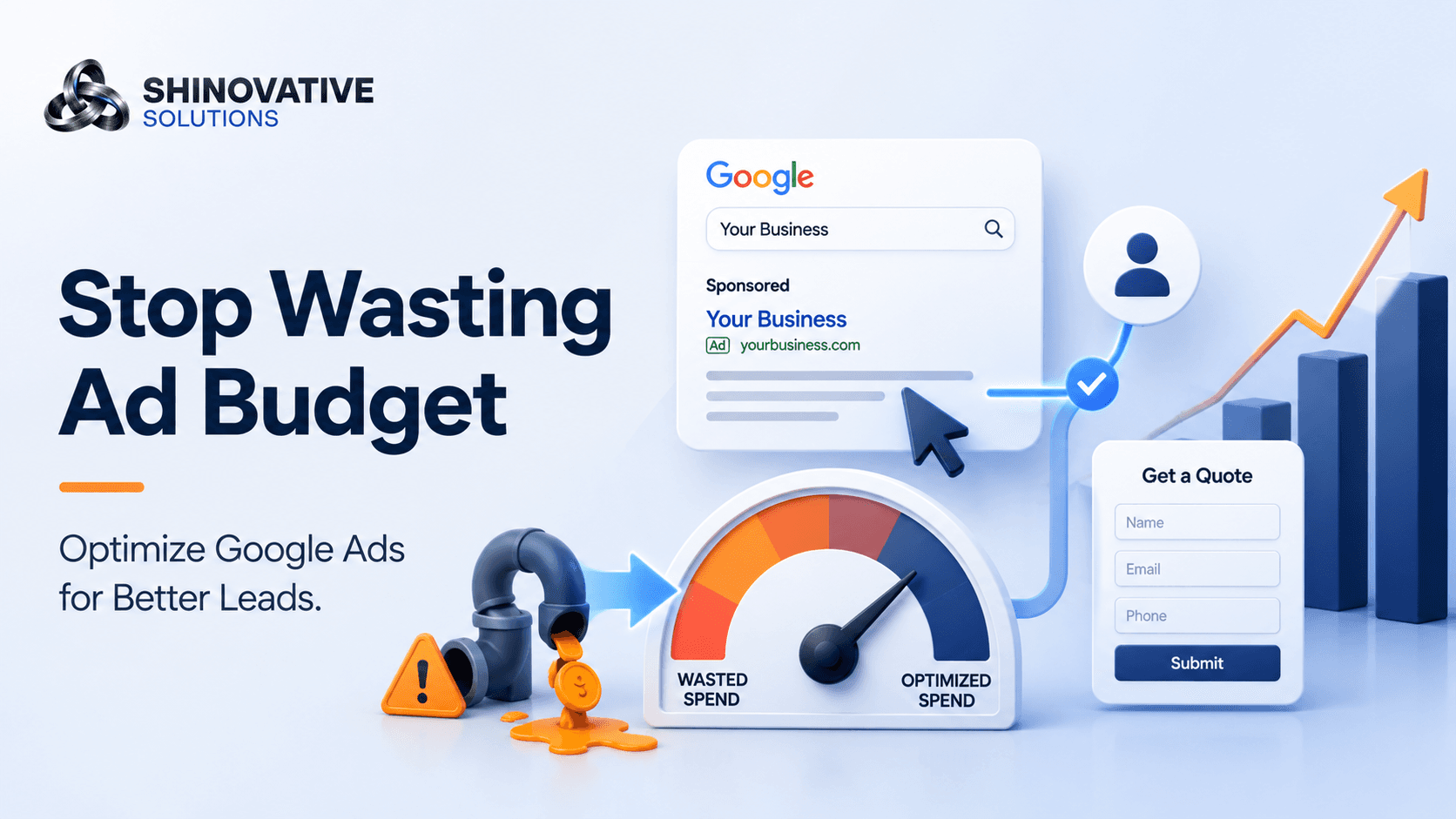
Google Ads Optimization: How to Get More Leads Without Wasting Budget
Imagine opening your ad dashboard at the end of the month.
The clicks are there. The impressions are there. Google has spent the budget exactly as expected.
But the phone did not ring enough. The leads were weak. Some people filled the form but never responded. A few clicks came from searches that were not even related to your service.
That is the moment many business owners say:
“Google Ads does not work.”
But often, the problem is not Google Ads. The problem is campaign optimization.
Google Ads can bring ready-to-buy customers because people are actively searching for a solution. But if the campaign is not structured well, it can also burn money quickly.
The goal is not just to get clicks.
The goal is to get the right clicks from the right people, send them to the right page, and turn them into real inquiries.
The Simple Google Ads Optimization Loop
A profitable Google Ads campaign usually follows this loop:
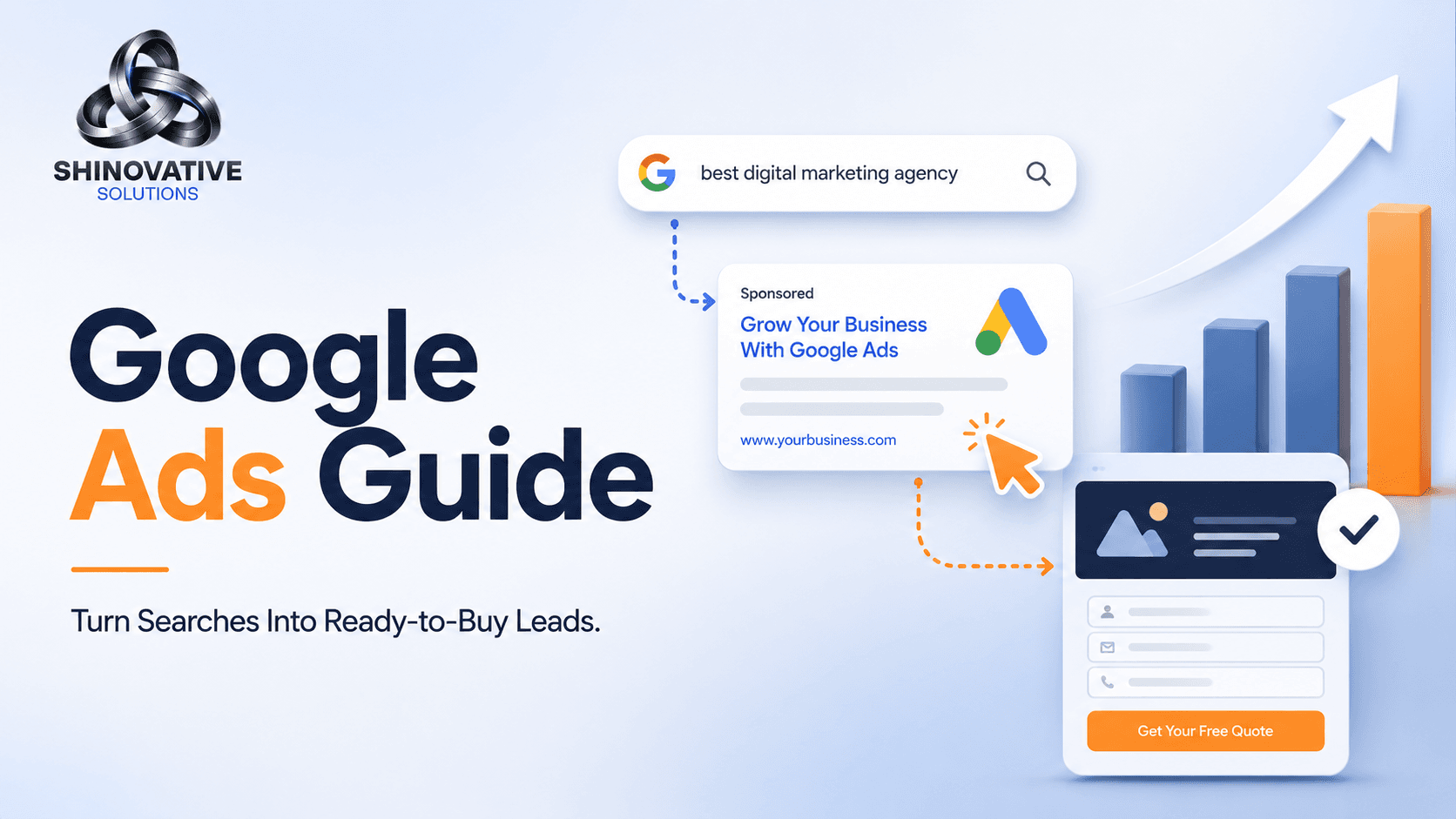
Search Intent → Ad Message → Landing Page → Conversion Tracking → Optimization
If any part of this loop is weak, performance drops.
For example:
- Good keyword, bad ad copy = fewer clicks
- Good ad copy, weak landing page = fewer leads
- Good leads, no tracking = poor decision-making
- Too many broad keywords = wasted budget
Google Ads optimization is about fixing these leaks one by one.
1. Start With Search Intent, Not Just Keywords
Many campaigns fail because they target keywords that look popular but do not show strong buying intent.
A keyword like “marketing tips” may bring visitors, but they may only want free information.
A keyword like “Google Ads agency near me” or “hire PPC agency” shows stronger commercial intent.
That person is closer to making a decision.
Example
If a local clinic wants patient inquiries, these keywords may perform differently:
- “skin care tips” = informational
- “best dermatologist near me” = local buying intent
- “book dermatologist appointment” = high intent
- “skin clinic consultation cost” = comparison intent
Not every keyword deserves your ad budget.
Spend more on searches that suggest the person is ready to call, book, compare, or buy.
2. Use Negative Keywords to Stop Budget Leakage
Negative keywords tell Google what searches you do not want your ads to show for.
This is one of the most underrated parts of Google Ads optimization.
For example, if you sell premium website development services, you may not want clicks from people searching:
- free website builder
- website development course
- website development jobs
- website templates free
- how to build a website myself
Those searches may bring clicks, but not qualified buyers.
Creative example
Think of your ad budget like water in a bucket.
Keywords bring water in. Negative keywords close the holes.
If you never add negative keywords, your budget leaks into irrelevant searches every day.
3. Match the Ad Copy to the Search
Your ad should feel like a direct answer to what the customer searched.
If someone searches “local SEO agency near me,” the ad should not say something vague like:
Grow your business with digital innovation.
That may sound nice, but it does not match the search.
A better ad would say:
Local SEO Services to Help Your Business Rank Higher on Google
This is clearer, more relevant, and more likely to attract the right person.
Good ad copy usually includes:
- The service
- The customer problem
- A clear outcome
- A reason to click
- A simple call to action
Example:
Get More Local Customers With Google Maps SEO Improve Google visibility, reviews, local rankings, and website leads with Shineovative Solutions.
That tells the user exactly what the ad is about.
4. Send Traffic to a Focused Landing Page
One of the biggest mistakes in Google Ads is sending all traffic to the homepage.
A homepage is usually broad. An ad needs a focused destination.
If the ad is about Google Ads services, send users to a Google Ads service page.
If the ad is about local SEO, send users to a local SEO page.
If the ad is about e-commerce website development, send users to an e-commerce page.
A focused landing page should include:
- Clear headline
- Short explanation of the service
- Benefits
- Trust signals
- Process
- FAQs
- Contact form or call button
- WhatsApp option if relevant
- Strong CTA
Example
Bad flow:
User searches “Google Ads agency” → clicks ad → lands on homepage → has to search for the Google Ads section.
Good flow:
User searches “Google Ads agency” → clicks ad → lands on dedicated Google Ads page → sees service, process, benefits, proof, and contact option.
The second flow converts better because it respects the user’s intent.
5. Track Real Conversions, Not Just Clicks
Clicks are not results. Leads are closer to results.
But even leads are not always equal.
A form submission from a serious customer is different from a random inquiry. A phone call from someone ready to buy is different from a wrong-number call.
Track important actions like:
- Form submissions
- Phone calls
- WhatsApp clicks
- Booking requests
- Purchases
- Lead quality
- Cost per qualified lead
If tracking is missing, optimization becomes guesswork.
You may pause a good campaign because it “looks expensive,” or continue a bad one because it gets cheap clicks.
Data prevents emotional decisions.
6. Review Search Terms Every Week
The search terms report shows what people actually typed before clicking your ad.
This is where hidden waste often appears.
You may think you are targeting “website development services,” but search terms may show clicks from:
- website development jobs
- website development salary
- website development tutorial
- free website development tools
These are not customers.
Weekly search term review helps you:
- Add negative keywords
- Find new high-intent keywords
- Improve ad copy
- Understand customer language
- Reduce irrelevant clicks
This small weekly habit can save a lot of budget over time.
7. Do Not Judge Campaigns Too Early
Google Ads needs enough data before making decisions.
If you change everything every two days, the campaign never gets a fair chance to learn.
That does not mean ignoring performance. It means knowing what to watch.
Look for patterns:
- Which keywords bring qualified leads?
- Which ads get clicks but no conversions?
- Which landing pages convert better?
- Which locations perform better?
- Which devices perform better?
- Which times of day bring better leads?
Good optimization is not random editing. It is careful improvement based on evidence.
Quick Google Ads Optimization Checklist
Use this checklist before increasing your ad budget:
- High-intent keywords are selected
- Negative keywords are added
- Ad copy matches search intent
- Each campaign has a clear goal
- Ads go to focused landing pages
- Conversion tracking is active
- Phone calls and forms are tracked
- Search terms are reviewed weekly
- Poor keywords are paused or adjusted
- Landing page has a clear CTA
- Budget is not spread too thin
- Lead quality is reviewed, not just lead quantity
Common Google Ads Mistakes
1. Running ads without conversion tracking
Without tracking, you only know what was spent, not what worked.
2. Sending all traffic to the homepage
A focused landing page usually performs better than a general homepage.
3. Ignoring negative keywords
This leads to wasted clicks from irrelevant searches.
4. Using broad keywords too early
Broad targeting can spend quickly if the account is not carefully managed.
5. Optimizing for cheap leads instead of good leads
A cheap lead that never converts is still wasted money.
Final Takeaway
Google Ads is not just about launching campaigns. It is about improving the full journey from search to lead.
The best campaigns are not always the ones with the most clicks. They are the ones that attract the right audience, speak clearly, send users to the right page, and track what actually matters.
When your keywords, ads, landing pages, and tracking work together, Google Ads becomes less of a gamble and more of a growth system.
FAQs
What is Google Ads optimization?
Google Ads optimization is the process of improving campaigns to get better results, reduce wasted spend, improve lead quality, and increase return on ad budget.
Why am I getting clicks but no leads?
This can happen because of weak landing pages, irrelevant keywords, poor ad copy, missing trust signals, or unclear CTAs.
How often should Google Ads be optimized?
Campaigns should be reviewed regularly. Search terms, budgets, conversions, and lead quality should ideally be checked weekly.
Are cheap clicks always good?
No. Cheap clicks are only useful if they come from the right audience and lead to meaningful business actions.
Should I run Google Ads or SEO?
Both can work together. Google Ads can bring faster traffic, while SEO builds long-term visibility. The best choice depends on your goals, budget, and timeline.
Internal Link Suggestions
Link this blog to:
- Google Ads Services page
- Local SEO Services page
- Website Development Services page
- Blog: Google Ads Guide
- Blog: Digital Marketing Strategy
- Contact page
Suggested anchor text:
- Google Ads services
- PPC campaign optimization
- landing page design
- local SEO services
- digital marketing strategy
- Google Ads audit
Soft CTA
If your Google Ads are getting clicks but not enough qualified leads, the issue may be in your keywords, search terms, ad copy, landing page, or conversion tracking.
Shineovative Solutions can review your Google Ads setup and identify where your budget is leaking, what should be optimized first, and how to improve lead quality.